Video watermark remover
Remove watermarks & logos from video
Upload a clip and AI finds the watermark, logo or @handle on its own, even when it moves, then rebuilds the background so nothing flickers.
- No boxes to draw
- No flickering patches
- No subscription
- Refunded if it fails



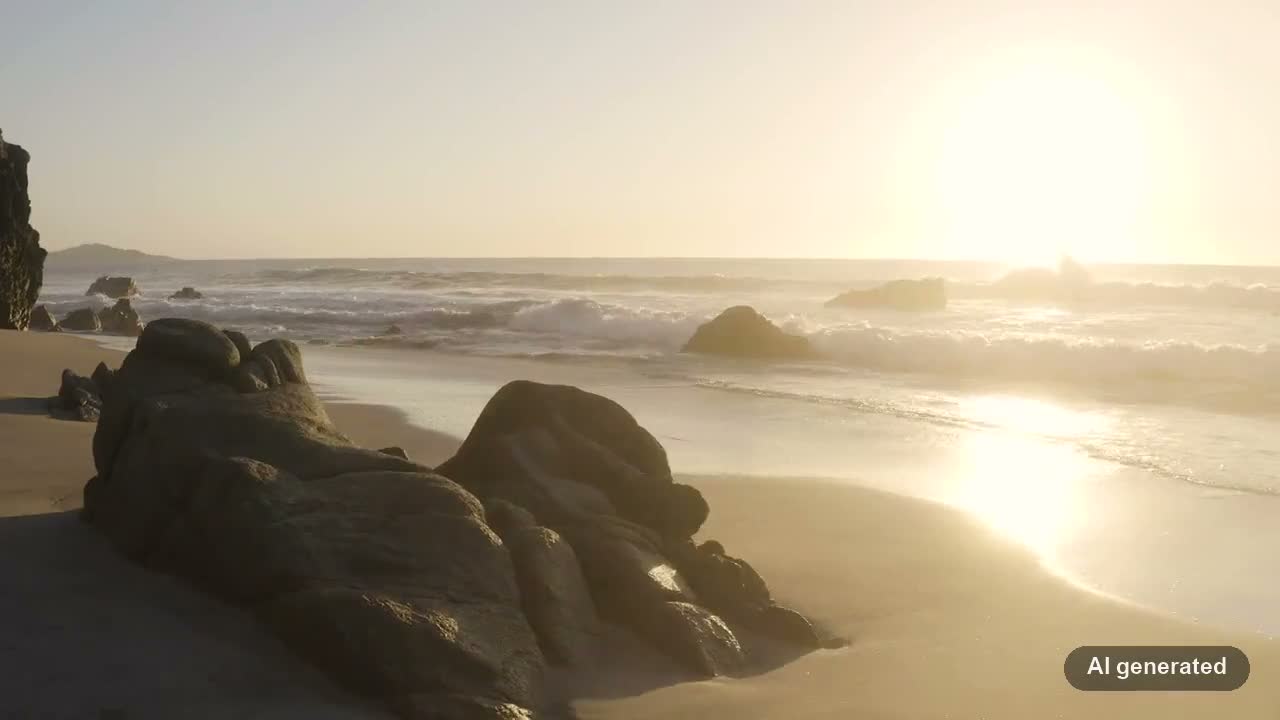
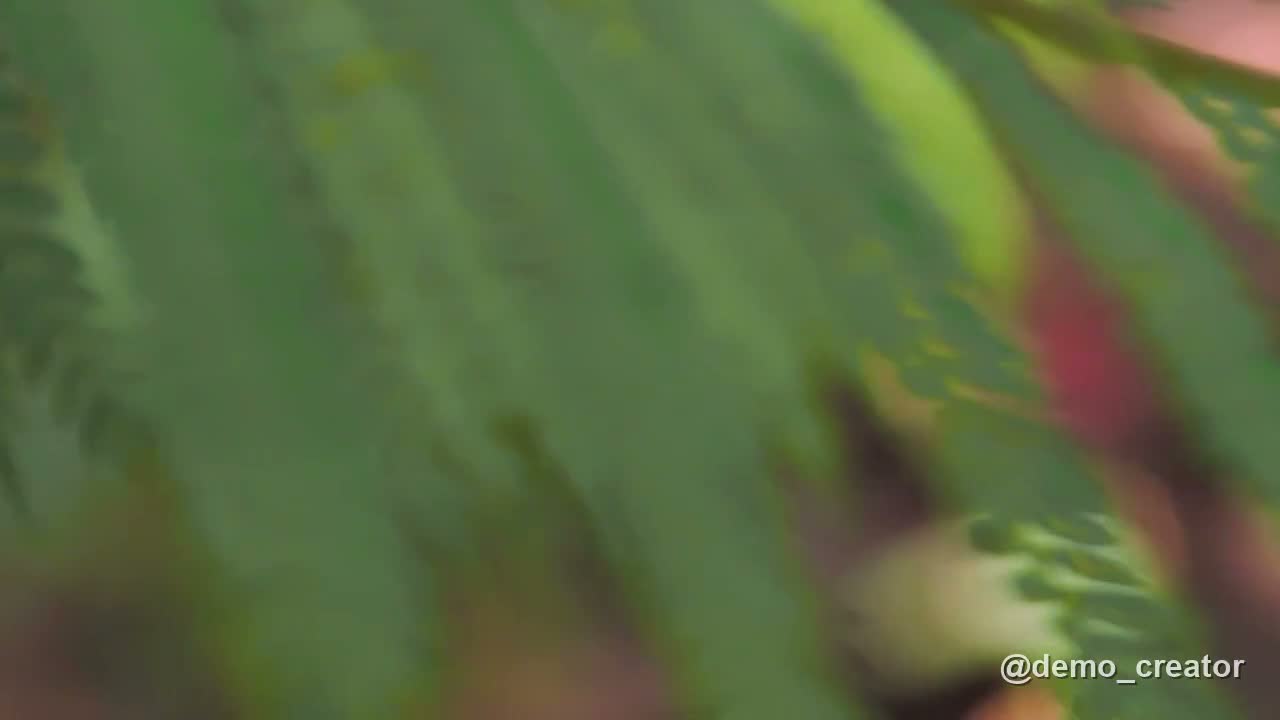
Detected automatically
- Logos & station bugs
- @handles & text
- Moving marks
10 credits per second
30s clip = 300 credits
Sign up and get 60 free credits.
Real results
See it on real clips
Watermarks of every kind, removed automatically with no boxes drawn. Drag the handle on any clip to compare before and after.
- Station logoA solid red logo with text in the corner← With watermarkRemoved →⇆00:00.0 / 00:00.0
- Moving @handleA username that jumps between two corners← With watermarkRemoved →⇆00:00.0 / 00:00.0
- Corner badgeA semi-transparent emblem over a smooth sky← With watermarkRemoved →⇆00:00.0 / 00:00.0
- AI-generated labelA text label on a dark pill, over sunlit water← With watermarkRemoved →⇆00:00.0 / 00:00.0
- @handle on leavesTranslucent text over moving foliage← With watermarkRemoved →⇆00:00.0 / 00:00.0
Stock clips from Pexels and Mixkit with test watermarks added, processed by the same AI as your uploads.
How it works
Three steps, no software to install
- 01
Upload your clip
Drop in an MP4 or MOV of 5–60 seconds.
- 02
AI finds the watermark
No boxes to draw. Watermarks, logos and text overlays are detected on every frame, even when they move.
- 03
Download it clean
AI erases the marks and rebuilds the background. Compare before and after, then download the MP4.
What it removes
Logos, text and @handles
Found automatically, whether it's text or a solid graphic logo.
@handles and usernames
Creator handles and IDs that apps stamp on downloads.
AI video watermarks
Badges that video generators add to a corner of your own clips.
Station and channel logos
Corner bugs and channel names on recordings you have the rights to.
Timestamps and dates
Camera date stamps and dashcam overlays.
Titles and on-screen text
Burned-in titles, labels and promo text in a fixed spot.
Stickers and small logos
Small badges, emblems and solid-colour logos.
Tips
Getting a clean result
What to expect from automatic detection.
- Overlays are the targetMarks laid on top of the picture, such as logos, @handles, badges and date stamps, are what the AI looks for.
- Text in the scene may go tooSigns, labels or captions that belong in the shot can be detected as well. Check the result before you publish it.
- Moving marks are fineA watermark that jumps between corners is found on every frame; there's nothing to set up.
- Busy backgrounds can leave a traceOver detailed textures, a faint outline of the mark can remain. Try a short clip first.
Pricing
Pay per second
10 credits per second of video, no subscription. Failed jobs are refunded in full.
| 10-second clip | 100 credits |
|---|---|
| 30-second clip | 300 credits |
| 60-second clip | 600 credits |
FAQ
Questions about removing watermarks
Upload the clip and start. AI finds the watermark on every frame by itself and rebuilds the background from the frames around it, so the patch doesn't flicker. There's nothing to draw or select.
Yes. Graphic logos, coloured badges and station bugs are removed along with text watermarks and @handles.
Yes. Marks that jump between positions, like @handles that switch corners, are detected on every frame and removed in each spot.
MP4 or MOV clips of 5–60 seconds and up to 1 GB. The result keeps your video's resolution and audio.
Usually 2 to 5 minutes. You can close the page; the video keeps processing and shows up under Recent videos.
10 credits per second of video, charged when you start. If the job fails, every credit is refunded automatically.
Only the watermark areas are rebuilt. The video is re-encoded once at the same resolution, and the audio is kept.
That depends on the video. Cleaning up your own footage, or footage you have permission to edit, is ordinary editing. Removing someone else's watermark to republish their work is not allowed, and you're responsible for what you upload.
Your video is only used to process your job. Results are kept for a few days so you can download them, then deleted.
Clean up your clip
Upload a clip, start, and download the result in minutes.